Skip to content
10 Most Reliable Microsoft Teams Alternatives for 2026

Summary: This guide compares 10 Microsoft Teams alternatives reliable for remote startups. We skipped the fluff and ranked them by onboarding speed, “app-hop” fatigue, and total cost. If you’re tired of complex setups and just want your team to talk and track tasks in one place, this is for you. Free alternatives are especially attractive to early stage startups and creative teams with limited budgets.
Many teams look for Microsoft Teams alternatives because daily communication feels heavier than expected. Messages pile up, files become hard to locate, and switching between chats, meetings, and tasks takes extra time. These issues slow teams down, especially in remote and hybrid setups. Many teams are looking to replace Microsoft Teams due to high subscription costs and a steep learning curve for new users.
Microsoft Teams works well inside the Microsoft ecosystem, but it does not suit every team. Startups, agencies, and growing businesses often prefer tools that load faster, feel simpler, and make external collaboration easier. Most teams now prioritize tools that improve efficiency and productivity for everyday collaboration, especially as work becomes more distributed. Businesses are actively exploring Microsoft Teams alternatives because collaboration needs have become more practical and outcome-focused.
Teams are increasingly looking for alternatives that offer clearer collaboration, better scalability, and stronger long-term value.
Best 3 Microsoft Teams Alternatives for Small Teams (Quick Picks)
If you want a quick answer before reading long comparisons, here are three top picks for small teams. Free alternatives and free versions are especially valuable for early stage startups and creative teams, as they help manage costs while supporting collaboration and organization. These three tools stand out in 2026 because they solve the most common problems users report with Microsoft Teams: slow navigation, scattered conversations, and limited flexibility for different work styles.
- Nifty: Nifty works well for agencies with 5-10 people, product teams, and client-facing teams that manage multiple projects at once. It offers a free version, making it a strong free alternative for small businesses, early stage startups, and creative teams. Nifty helps improve efficiency and productivity by combining chat, tasks, and project management in one place.
- Slack: Slack is the best option for fast, real-time team communication. It provides a free version, so it’s a popular free alternative for startups and small teams. Channels, threads, and integrations make it easy to organize conversations by topic. Messages load quickly, and search results are reliable, even in large workspaces. Slack’s user-friendly interface helps improve efficiency and productivity for teams that need to stay connected and organized.
- Zoom: Zoom is the best choice for teams that depend on video meetings. It offers a free version, making it a suitable free alternative for teams with basic video conferencing needs. Call quality stays stable even with large groups, and joining meetings takes very little setup. External participants can join easily, which makes Zoom popular for sales calls, client meetings, and training sessions.
Testing free trials and free plans can help you find the best fit for your team’s needs.
What You Should Check Before Selecting the Right Microsoft Teams Alternative?
Before switching tools, teams should focus on how communication actually happens day to day. The right Microsoft Teams alternative should reduce friction, not add new steps. During free trials or demos, gather feedback from team members to identify issues early and ensure the tool fits your workflow. The factors below help identify tools that improve speed, clarity, and collaboration without overloading users.
- Assess your team’s size, budget, and workflow requirements before making a decision.
- Consider workflow automation features to streamline processes and enhance efficiency.
- Prioritize tools that integrate with your existing software stack to avoid disruptions.
- The “Speed” Test: Speed measures how quickly a team can send messages, load conversations, and switch between chats. A slow interface breaks focus and delays decisions. Teams should check how long it takes to open channels, reply in threads, and search recent messages.
Good tools: Slack, Nifty, and Pumble. - True External Collaboration True external collaboration allows clients, partners, and vendors to join conversations with minimal setup. Guest access should not require long sign-up flows or complex permissions.
Good tools: Nifty, Zoom, and Google Workspace - The “One-Click” Search: Search should surface messages, files, and shared links with a single query. Poor search forces teams to scroll endlessly or repeat questions. Strong search systems index chat history, documents, and attachments together.
Good tools: Slack, Lark - Task-Integrated Chat: Task-integrated chat keeps conversations tied directly to work items. Messages linked to tasks prevent confusion about ownership, deadlines, and next steps.
Good tools: Nifty, Ryver - Interface Simplicity: A simple interface reduces training time and improves adoption. Teams work faster when tools feel familiar and uncluttered.
Good tools: Flock, Troop Messenger, and Nifty
Global Teams and Remote Work: Why It Matters in Choosing a Collaboration Tool
The modern workplace is no longer limited by geography. As remote work becomes the norm, teams are spread across multiple time zones, countries, and even continents. This shift has made it essential for organizations to choose collaboration tools that support seamless global collaboration and keep everyone connected, no matter where they are.
For global teams, the right collaboration platform is more than just a communication hub—it’s the backbone of daily operations. Whether your team relies on video calls to connect with external stakeholders or needs instant messaging for quick updates, the features you prioritize can make or break your workflow. Microsoft Teams is a popular choice, but many organizations find its learning curve and limited features in the free plan restrictive, especially when working with distributed teams.
When evaluating alternatives to Microsoft Teams, consider how each platform supports the unique demands of global teams and remote work:
- Video conferencing capabilities: High-quality video calls, screen sharing, and breakout rooms are crucial for virtual meetings, training sessions, and brainstorming with colleagues or clients in different time zones.
- Channel-based messaging: Platforms like Google Chat and Slack offer public and private channels, making it easy to organize conversations, share files, and collaborate on projects without losing context.
- Task management integration: Look for collaboration tools that let you assign tasks, track progress, and set deadlines directly within the platform. This helps remote teams stay aligned and accountable, even when working asynchronously.
- File sharing and storage: Ample storage space, secure file sharing, and real-time document collaboration are must-haves for teams that need to edit documents together and keep project files accessible to everyone.
- Customization and integration: The best Microsoft Teams alternatives allow you to customize workflows, integrate with external apps, and even support self hosting for companies operating on their own servers.
- User-friendly interface: A simple, intuitive interface with minimal learning curve ensures that team members can get started quickly, reducing onboarding time and improving daily communication.
By focusing on these factors, global teams can find a collaboration platform designed to meet their specific needs—whether that means supporting instant messaging, advanced video conferencing, or robust task management. With so many top Microsoft Teams competitors offering flexible free plans, paid plans, and advanced features, there’s never been a better time to explore new ways to collaborate effectively across borders and time zones.
Compare Pricing and Features of Top 10 Microsoft Teams Alternatives
1. Nifty – Best for Unifying Chat, Tasks, and Goals in One View
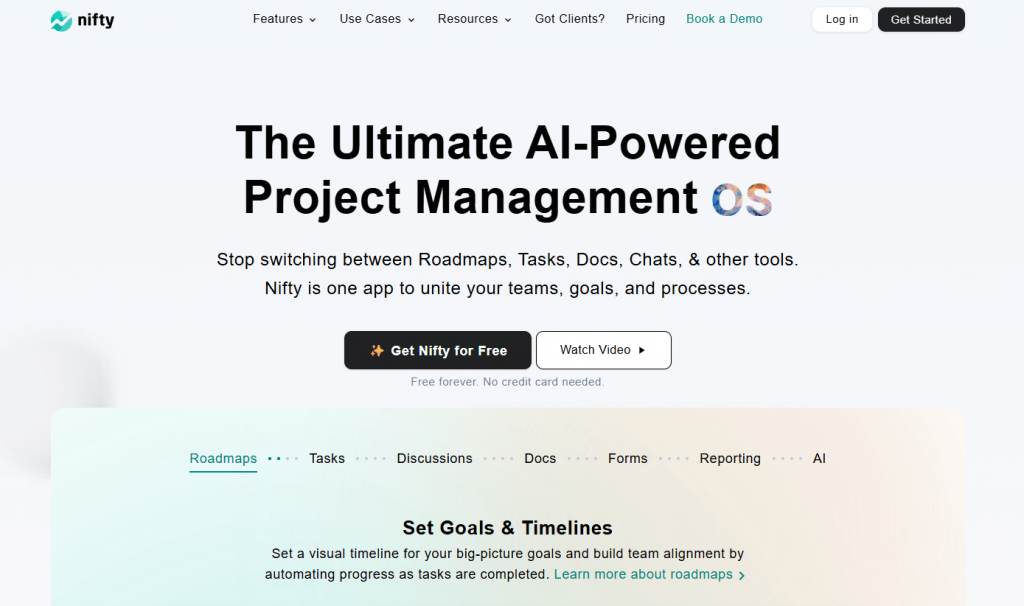
Nifty is a project management platform that combines team chat, task management, project timelines, and goal tracking in one workspace. Conversations happen inside projects and tasks, which keep discussions connected to real work. This structure helps teams reduce context switching and maintain clarity across deadlines, responsibilities, and progress, especially when managing multiple projects.
Key Features
- Setup Time is less than 10 minutes. You can import your entire team’s data from Trello, Asana, or ClickUp with a single click.
- New hires typically become proficient in 1–2 days due to the intuitive, all-in-one dashboard that looks like tools they already know.
- As you chat and finish tasks, automated milestones update themselves. This gives you 100% real-time visibility into your progress.
- Average teams save 6–8 hours per week by reducing app-hopping and eliminating the need for status update meetings.
- File sharing and document access within discussions can be directly attached to tasks.
Pros
- You don’t have to manually tell your boss that work is 50% done; Nifty shows it automatically.
- Unlike other tools that charge you for every single new person, Nifty has flat pricing.
Cons
- The mobile version is not as good as the desktop.
- If you are just a team of two people doing very basic work, you need per user plan.
Pricing: Free forever plan available. Paid plans start at $39 per month with 10 members.
Review: Nifty suits startups, agencies, product teams, and client-service teams that want chat and project management in one tool.
Try the best Microsoft Teams Alternative
Get Started for free!
2. Slack – Best for Fast Team Messaging
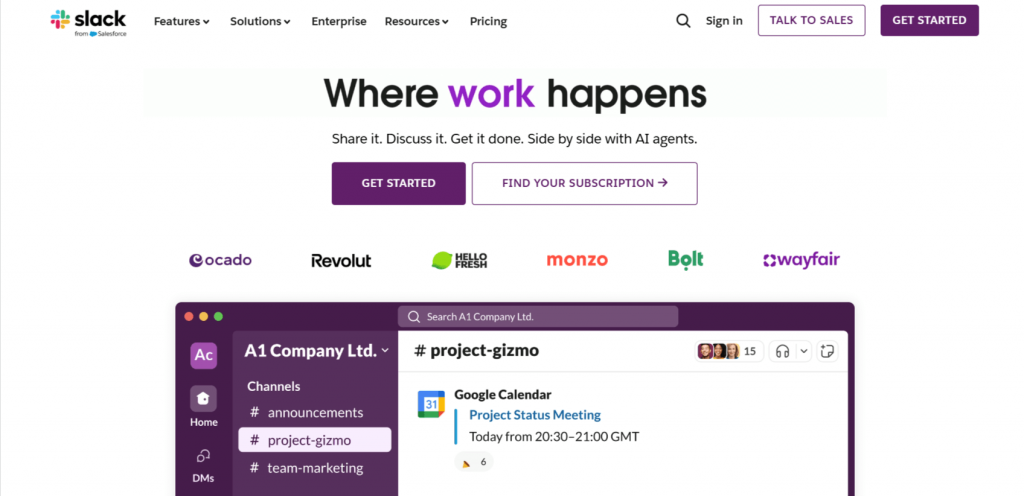
Slack is a team messaging platform designed for quick, real-time communication. It organizes conversations into channels and threads, which helps teams keep discussions structured and searchable. Slack focuses mainly on chat rather than project tracking, making it suitable for teams that want fast conversations and already use separate tools for tasks and planning.
Key Features
- Organized channels and threaded replies for structured conversations
- Private chats for secure, one-on-one conversations
- Public channels for open team communication and transparency
- Advanced search across messages, files, and shared links
- App integrations with tools like Google Drive, Jira, and GitHub
- Built-in voice and video calls for quick discussions
Pros
- Fast message delivery and sync
- Large app integration library
- Vast integration ecosystem with over 2,600 apps and an intuitive interface
Cons
- No built-in task management
- Can feel noisy in large teams
Pricing: Slack has a free plan available with limited features. Paid plans start at around $7–$8 per user per month.
Review: Slack works best for startups, tech teams, and marketing teams that rely heavily on messaging and integrations. Slack is frequently chosen as a Microsoft Teams alternative by organizations that depend on fast, ongoing communication.
Slack can be integrated with Nifty for seamless communication!
Get Started
3. Webex – Best for Secure Enterprise Communication
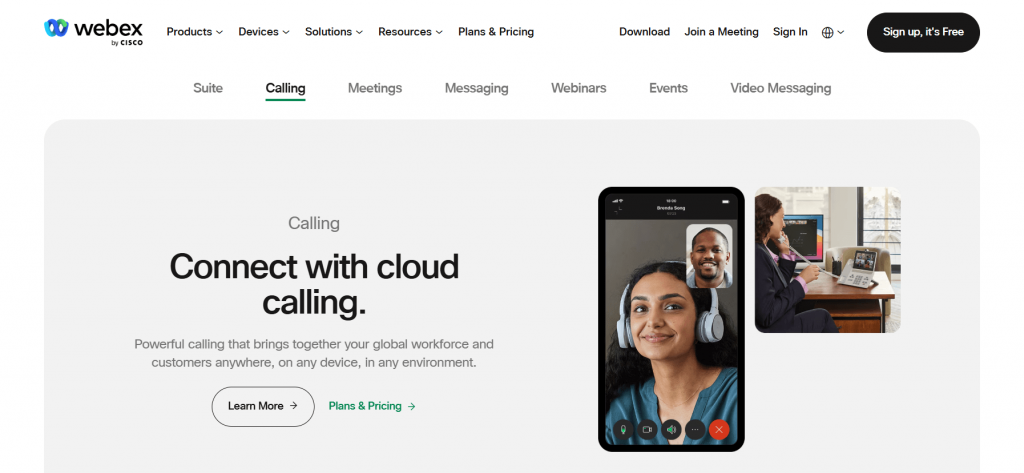
Webex is a communication platform built for organizations that prioritize security and compliance. It offers video meetings, team messaging, and calling in one system. Webex is commonly used by large companies and regulated industries because of its strong admin controls and data protection features.
Key Features
- Secure video meetings with end-to-end encryption options
- Team messaging with persistent chat spaces
- Enterprise-grade admin and compliance controls
- Cloud-based and on-premise deployment options
Pros
- Strong security and compliance features
- Reliable meeting and call quality
Cons
- Interface feels complex for new users
- Slower setup compared to lighter tools
Pricing: Free plan available with limits. Paid plans start at around $12–$14 per user per month.
Review: Webex fits enterprises and regulated teams that need secure communication and strict administrative control.
4. Zoom – Best for Video-First Teams
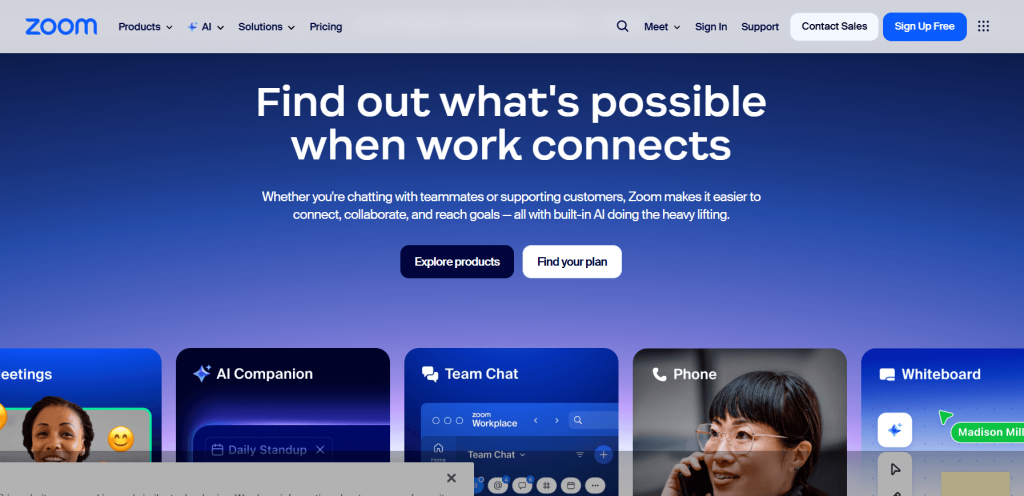
Zoom is a video communication platform known for stable call quality and simple meeting access. Teams use it for internal meetings, client calls, webinars, and training sessions. Joining a meeting takes very little setup, which makes Zoom useful for external communication where participants may not use the same tools daily.
Key Features
- HD video and audio meetings with strong connection stability
- Breakout rooms for group discussions and workshops
- Webinar hosting for large audiences and events
- Built-in team chat for basic messaging
Pros
- Consistent video and audio quality
- Easy access for external participants
Cons
- Chat features are limited
- Task tracking is not included
Pricing: Free plan available with meeting time limits. Paid plans start at around $15 per user per month.
Review: Zoom works best for sales teams, trainers, and teams where meetings are central to daily communication.
5. Google Workspace – Best for Docs, Email, and Team Collaboration
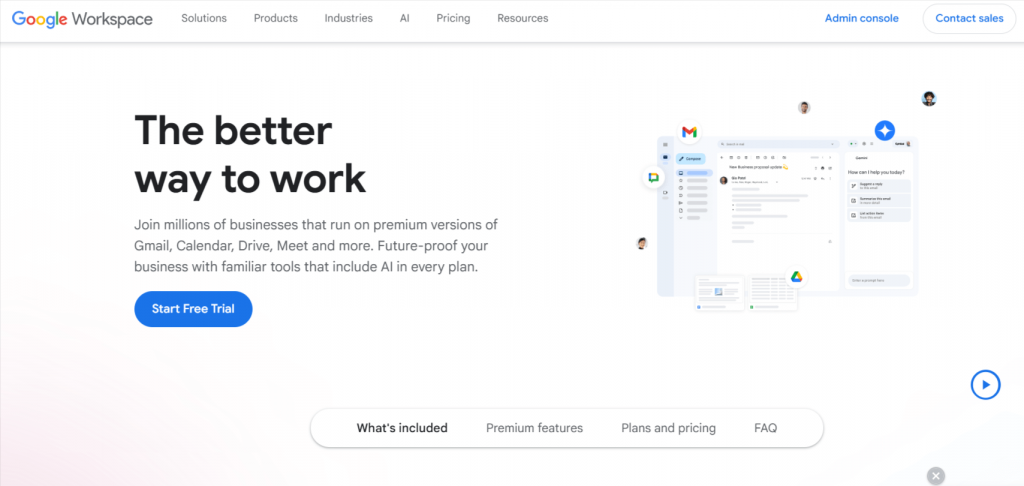
Google Workspace is a productivity suite that brings email, documents, spreadsheets, chat, and video meetings into one system. Teams collaborate in real time on files while communicating through Google Chat and Google Meet. It works best for organizations that rely heavily on document sharing and email-based workflows.
Key Features
- Gmail, Calendar, and Google Meet for daily communication
- Real-time collaboration in Docs, Sheets, and Slides
- Google Chat for team and direct messaging
- Centralized cloud storage through Google Drive
Pros
- Strong real-time document collaboration
- Simple access across devices
Cons
- Chat features are basic
- Task management is limited
Pricing: Plans start at around $6 per user per month, depending on storage and features.
Review: Google Workspace suits teams that center work around documents, email, and shared calendars rather than chat-heavy workflows.
6. Pumble – Best for Quick Onboarding
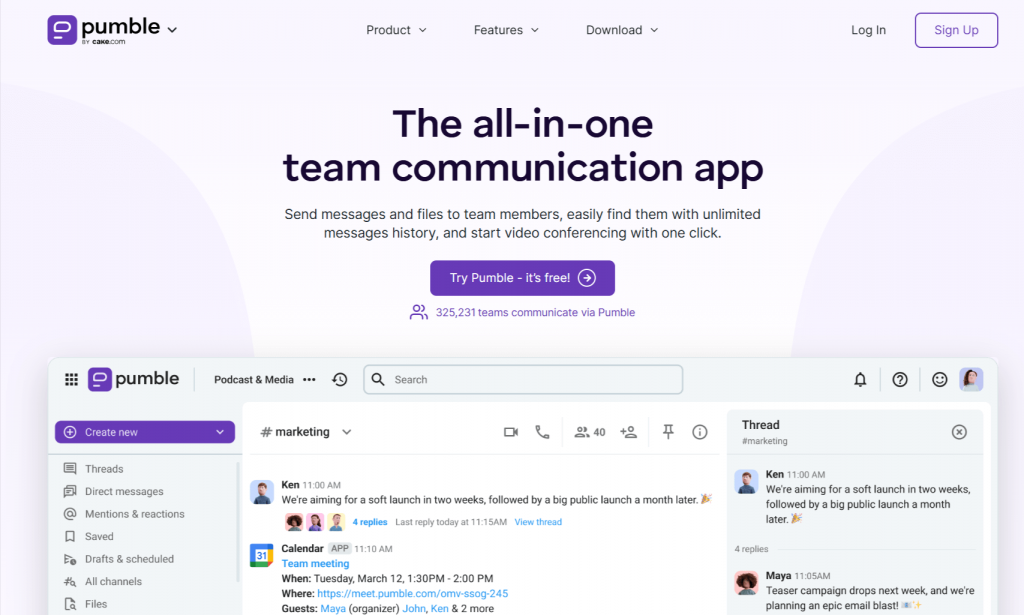
Pumble is a team messaging tool designed for simple and affordable communication. It offers unlimited message history on its free plan, which makes it appealing to small teams and startups. The interface is clean and familiar, focusing on channels, direct messages, and basic collaboration without advanced setup.
Key Features
- Unlimited message history on the free plan
- Team channels and direct messaging
- File sharing with message history access
- Desktop, web, and mobile apps
Pros
- Free plan with no message limits
- Easy to set up and use
Cons
- Limited third-party integrations
- No built-in task management
Pricing: Free plan available. Paid plans start at low per-user monthly rates, depending on features.
Review: Pumble is a good fit for small teams that want a free, no-frills chat tool without usage caps.
Try a smarter Microsoft Teams alternative with Nifty
Get Started
7. Flock – Best for Simple Team Chat

Flock is a team communication tool built for straightforward messaging and basic collaboration. It provides team channels, direct messages, and built-in productivity features without heavy configuration. Flock suits small teams that want a simple chat solution and do not need advanced customization or complex workflows.
Key Features
- Team channels and one-to-one messaging
- Built-in video and audio calls
- File sharing with searchable history
- Simple to-do lists and reminders
Pros
- Easy to use and set up
- Clean and simple interface
Cons
- Limited advanced features
- Smaller integration ecosystem
Pricing: Paid plans start at around $4–$6 per user per month.
Review: Flock works well for small teams that need basic communication without extra complexity.
8. Lark – Best All-in-One Collaboration Platform
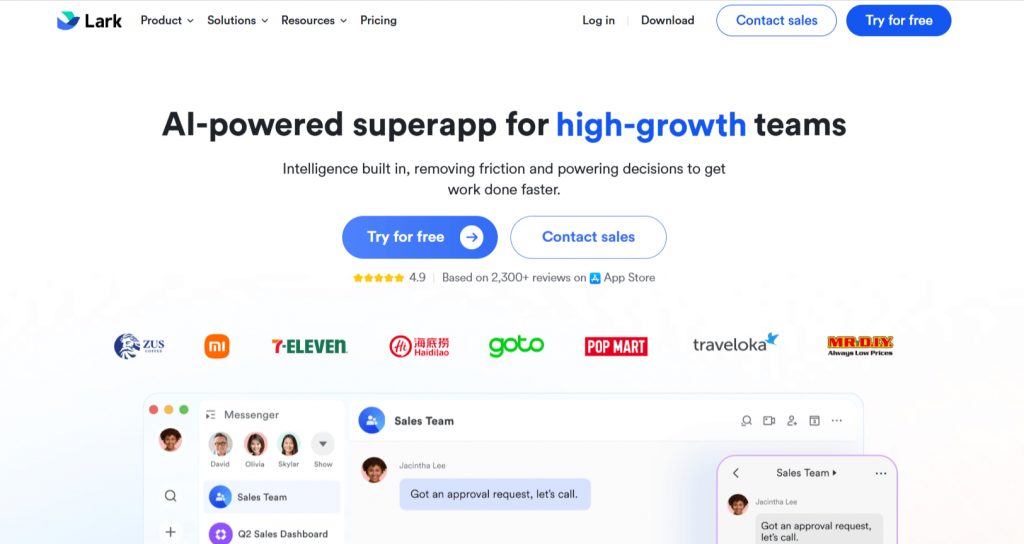
Lark is a collaboration platform that combines chat, video meetings, documents, calendars, and workflows in a single application. It is designed for teams that want fewer tools and prefer managing communication and documents in one place. Lark supports internal collaboration as well as cross-team coordination.
Key Features
- Team chat with threaded conversations and file sharing
- Integrated docs and spreadsheets for real-time collaboration
- Built-in video meetings and calendar scheduling
- Approval workflows and basic automation tools
- Workflow automation features that help streamline processes and enhance team efficiency
Pros
- Multiple tools in one platform
- Strong document collaboration
Cons
- Learning curve for new users
- Interface may feel busy
Pricing: Lark offers a free plan that is fully equipped for small businesses and startups. Paid plans vary by region and feature set.
Review: Lark suits teams that want an all-in-one workspace instead of managing multiple separate tools.
9. Ryver – Best for Task-Based Conversations
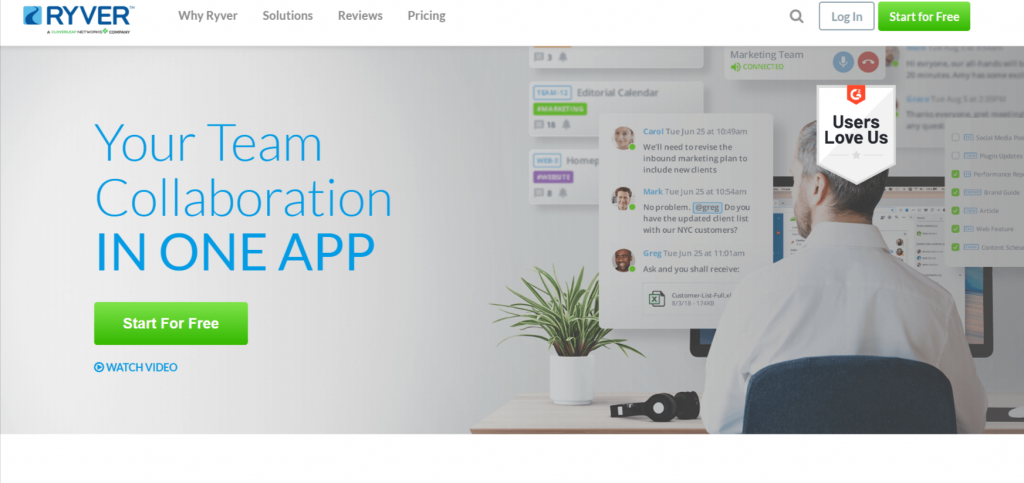
Ryver is a collaboration tool that connects team chat with task boards. It allows teams to turn conversations into actionable tasks, keeping discussions and work items in one place. Ryver focuses on topic-based communication, which helps teams organize conversations around projects and workflows rather than endless message streams.
Key Features
- Topic-based chat rooms linked to projects and teams
- Task boards for tracking work and assignments
- File sharing inside conversations and tasks
- Team forums for structured discussions
Pros
- Chat and tasks stay connected
- Clear task visibility
Cons
- Interface feels dated
- Fewer integrations than competitors
Pricing: Paid plans start at around $34 per team per month.
Review: Ryver works best for teams that want conversations to directly result in tasks and action items.
10. Troop Messenger – Best for Secure Internal Communication
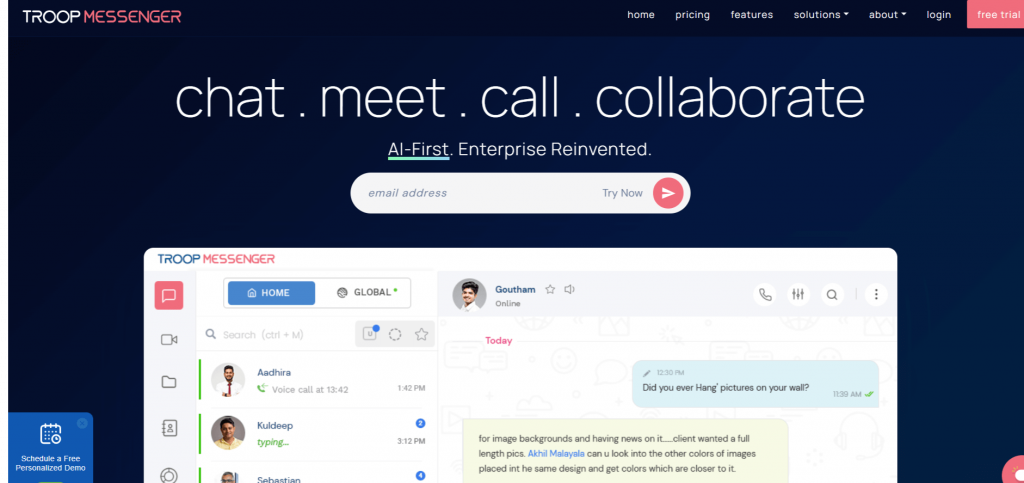
Troop Messenger is a team messaging tool built with a focus on internal communication and security. It supports one-to-one chat, group messaging, audio and video calls, and screen sharing. Troop Messenger is a self hosted alternative for organizations that want to keep communication in-house. The platform is often used by organizations that prefer keeping communication within the company network and can be considered alongside open source tools for those prioritizing privacy and control.
Key Features
- One-to-one and group messaging for internal teams
- Audio and video calls with screen sharing
- On-premise and self-hosted deployment options—unlike Teams, Troop Messenger offers these for greater control
- Message recall and remote logout features
Pros
- Strong focus on internal security
- On-premise and self-hosted deployment available, unlike Teams
Cons
- Limited third-party integrations
- Interface feels basic
Pricing: Pricing varies based on deployment type and team size.
Review: Troop Messenger suits organizations that need secure internal messaging and prefer on-premise communication tools.
What are the most common pain points users report with Teams?
Many teams move away from Microsoft Teams because daily communication starts to feel slow and complicated. While the platform offers many features, not all teams need such a broad setup. The Microsoft Teams free plan (ms teams) is especially limited for business use, as it is primarily suited for personal rather than organizational needs. Over time, this can lead to frustration instead of productivity.
As teams grow, they often evaluate whether Microsoft Teams continues to fit their workflow or if other alternatives offer a better experience.
- One common reason is performance and usability. Users often report slow loading times, frequent sync issues, and too many clicks for simple actions like finding a file or replying to a message. For teams that communicate constantly, these delays reduce focus and waste time.
- Another reason is scattered collaboration. Chats, files, and tasks often live in separate areas, which makes tracking decisions harder. External collaboration can also feel restrictive, especially when working with clients or vendors. Many teams switch to tools that offer faster chat, simpler interfaces, or better task visibility without added complexity.
For teams needing more control over their communication infrastructure, Rocket.Chat and Mattermost are strong open-source alternatives to Microsoft Teams.
Final Thoughts
Choosing the right Microsoft Teams alternative depends on how a team communicates and manages work. Some teams need fast messaging. Others rely more on video meetings or task-focused collaboration. No single tool fits every workflow, which is why understanding daily usage matters before switching platforms.
Before making a decision, teams should test tools with real projects and real conversations. The best alternative is the one that reduces friction, improves clarity, and supports the way people already work.

 2026 © Nifty Technologies, Inc. All rights reserved.