Skip to content
10 Best Enterprise Document Management Software for 2026

Choosing the right Enterprise Document Management Software is now a crucial part of how large organisations operate. As teams grow and documents—including paper documents—are shared across email, shared drives, messaging tools, and legacy systems, information becomes scattered and difficult to manage. This leads to version conflicts, slower workflows, and avoidable security risks. A strong DMS solves this by bringing documents, collaboration, governance, and compliance into one organised system. Content management platforms further help by organizing and integrating digital content across the enterprise, enabling automation, compliance, and seamless integration with other business applications.
If you want the quick answer upfront, Nifty is the best option for project document management and workflow in large organisations. M–Files is strongest for metadata-driven management. Egnyte leads in content governance and sensitive data discovery. SharePoint and OneDrive fit best for companies built on Microsoft 365 and wanting strong oversight with Microsoft Purview. Electronic document management systems digitize and streamline the handling of paper documents, making them searchable and accessible through features like intelligent indexing, workflow automation, and compliance support.
This guide walks through the Best Enterprise Document Management Software, how each tool works, what it does well, where it falls short, and how we ranked them. You will also get a simple checklist to help you choose the right Enterprise DMS for your needs.
Why Enterprise Document Management Software Matters Now: AI, Compliance & Distributed Work?
Teams now work across different locations and tools, which scatter files and create security and version issues. A modern DMS fixes this by giving companies one system for storage, permissions, and workflows.
AI now tags, classifies, and extracts details from documents, reducing manual work. Compliance demands are also higher, and enterprises need clear audit trails, retention rules, and access controls. Modern DMS platforms help ensure compliance with regulatory requirements by providing features such as audit trails and robust access controls. With distributed work growing, a DMS keeps everyone on the same page and prevents file confusion.
This is why companies are replacing older systems with platforms that bring AI, governance, and collaboration together.
Our Selection Methodology (How We Ranked the Best Enterprise DMS)
We used a consistent review process to compare every platform, focusing on signals that matter to large organisations. As part of our evaluation, we assessed software companies based on their product offerings, industry reputation, and technological advancements. Here is the short version:
- Analyst Coverage: We checked each vendor’s presence in Gartner MQ and Forrester Waves to confirm enterprise readiness.
- Product Documentation: We reviewed the depth of admin, API, and governance documentation to see how well the tool supports large-scale setups.
- Security & Compliance: We looked at encryption, audit logs, retention rules, certifications, data governance, and legal hold capabilities.
- Integrations & APIs: We compared how well each DMS connects with CRM, ERP, HRIS, identity tools, and e-signature platforms.
- Admin & Governance Controls: We checked permissions, version rules, metadata structure, migration support, and policy management.
- Customer Evidence: We reviewed enterprise case studies, verified ratings, and large-scale deployment examples.
- Total Cost of Ownership: We considered pricing per user, storage costs, add-ons, training needs, and long-term maintenance.
You can view our full software review process in our software review methodology.
Key Features of Document Management Software
Modern document management software is specifically designed to help organizations take control of their digital documents, streamline business processes, and ensure robust security and compliance. Here are the key features that set leading document management solutions apart:
- Centralized Document Storage and Retrieval: A unified repository for all electronic documents, making it easy for teams to access, organize, and manage documents from anywhere. This eliminates the chaos of scattered files and supports efficient information management.
- Workflow Automation: Automate routine business processes such as document routing, approvals, and notifications. Workflow automation reduces manual tasks, accelerates document approvals, and ensures that critical data moves seamlessly through your organization.
- Security and Compliance Features: Protect sensitive information with advanced security measures like role-based access control, audit trails, and encryption. Leading document management systems help organizations meet regulatory compliance requirements (such as GDPR, HIPAA) and safeguard against data breaches.
- Document Collaboration and Control: Enable real-time document collaboration with features like version control, document templates, and structured document approvals. This ensures that knowledge workers always work from the latest version and can easily track changes or contributions.
- Metadata Tagging and Advanced Search: Enhance document classification and retrieval by tagging files with metadata such as author, date, or project. Powerful search capabilities—often powered by natural language processing—make it easy to find the right document quickly, even in large repositories.
- Seamless Integration with Enterprise Systems: Integrate effortlessly with core enterprise applications like Microsoft SharePoint, Google Workspace, and the broader Microsoft ecosystem. This creates a unified platform for managing documents across all business units and tools.
- Automated Workflows and Content Services: Leverage automated workflows and content services to manage the entire document lifecycle—from creation and collaboration to archiving and disposal. Machine learning and AI-driven features further reduce manual intervention and improve accuracy.
- Governance Tools and Audit Trails: Maintain control and visibility over document activity with comprehensive governance tools, including detailed audit trails and version control. These features are essential for organizations in regulated industries or those with strict governance policies.
- Scalability and Flexibility: Support the needs of global enterprises with scalable solutions that offer flexible deployment options, including cloud storage, on-premises, or hybrid models. This ensures your document management system can grow with your business.
By incorporating these key features, document management software delivers a comprehensive solution for managing documents, enhancing collaboration, and supporting knowledge management—while ensuring regulatory compliance and data security. Many systems, such as M-Files, Microsoft SharePoint, and Google Workspace, offer these advanced features, making it easier for organizations to choose a platform that fits their unique requirements and supports a modern digital workplace.
The Best Enterprise Document Management Software in 2026
1. Nifty (Best for Managing Project Documents)
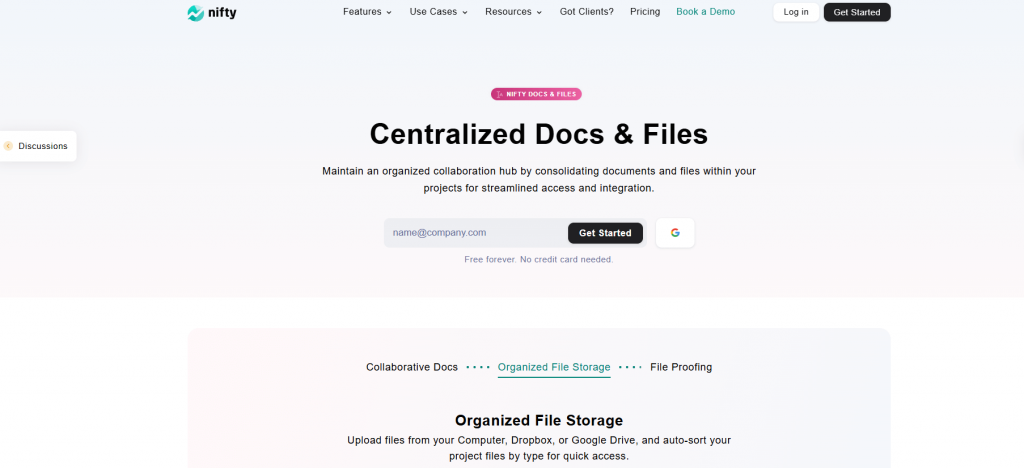
Nifty is an all-in-one workspace that brings documents, tasks, projects, and communication together in one place. For enterprises, its biggest advantage is that documentation lives inside the workflow, not in a separate tool. This helps large teams keep files organised, avoid version issues, and connect information to real work without switching platforms. These integrated features enhance collaboration by streamlining teamwork and communication.
Nifty Docs work as living documents. Teams use them for knowledge bases, SOPs, onboarding, project briefs, and internal processes. Because docs live inside projects, every file stays tied to its context, which prevents content from drifting or becoming outdated.
Best Features of Nifty
- Structured documents and knowledge bases: You can create clean documents with headings, subpages, tables, checklists, embeds, callouts, images, and links. Docs can be grouped into folders so large teams can build full SOP libraries or multi-level wikis.
- Real-time collaboration: Teams co-edit live with instant updates. Comments, mentions, and feedback threads keep review cycles simple, which removes the confusion of multiple versions being shared around.
- Permissions and access control: Docs follow project permissions, but you can override them per document. You can give view, comment, edit, or full access to teammates or external partners.
- Searchable knowledge base: Global search covers titles and content across the workspace. This helps enterprises reduce information silos and find documents faster.
- AI-assisted documentation (Orbit): Nifty’s AI assistant helps generate outlines, drafts, summaries, or quick SOP structures. It speeds up the writing process but still requires team review.
Limitations
- Not a metadata-driven system like M-Files
- Lacks deep records-management features such as retention policies or legal holds
- Works best when documents live inside projects; teams wanting a standalone DMS may need a dedicated project or portfolio.
- Microsoft file editing is external (via Office tools, not native inside Nifty)
Pricing
- Free Forever
- Personal: $7 per user/month
- Business: $16 per user/month
- Enterprise: Custom pricing
Ratings
- G2: 4.7/5
- Capterra: 4.8/5
Start managing your Docs with Nifty!
Get Started
2. Microsoft SharePoint (Best for Enterprise Intranets, Structured Document Libraries & Microsoft 365 Workflows)
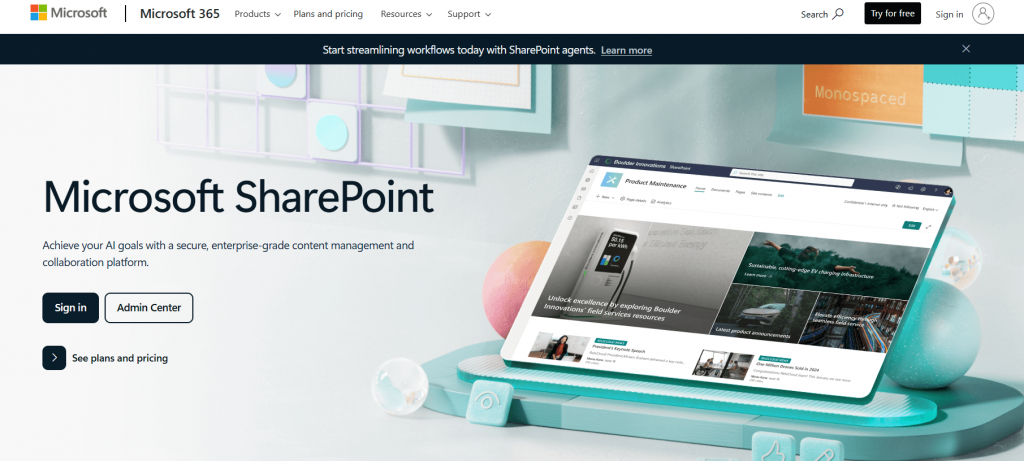
Microsoft SharePoint is one of the most widely adopted enterprise document management and intranet platforms, especially for organisations standardising on Microsoft 365. It provides structured document libraries, version control, permissions, and team sites that support secure collaboration at scale. SharePoint’s robust document control capabilities ensure effective management of document access, versioning, and real-time collaboration within an organized system for enterprise-wide use.
SharePoint also powers enterprise intranets, enabling news, knowledge hubs, and department portals. With deep integration into tools like Teams, OneDrive, Outlook, and Power Automate, it becomes a central hub for workflows, approvals, and content governance across the organisation. SharePoint’s advanced workflow management tools automate and optimize business processes, offering customizable templates and task tracking to improve organizational efficiency.
Best Features
- Centralised document libraries with granular permissions and version history.
- Deep integration with Teams, OneDrive, Outlook, and Office apps.
- Automated workflows through Power Automate for approvals and routing.
- Metadata tagging and enterprise search for fast document discovery.
Limitations
- Set up and governance can be complex without IT support.
- User interface may feel overwhelming for new users.
- Customisation and intranet builds often require technical expertise.
- Storage needs and add-ons can increase overall cost.
Pricing
- Plan 1: $5/user/month
- Plan 2: $10/user/month
- Included in Microsoft 365 Business Standard, E3, and E5 plans.
Ratings
- G2: 4.2/5
- Capterra: 4.3/5
Microsoft looks Costly? Check out the Microsoft project alternatives
3. M-Files (Best for metadata-first document management)
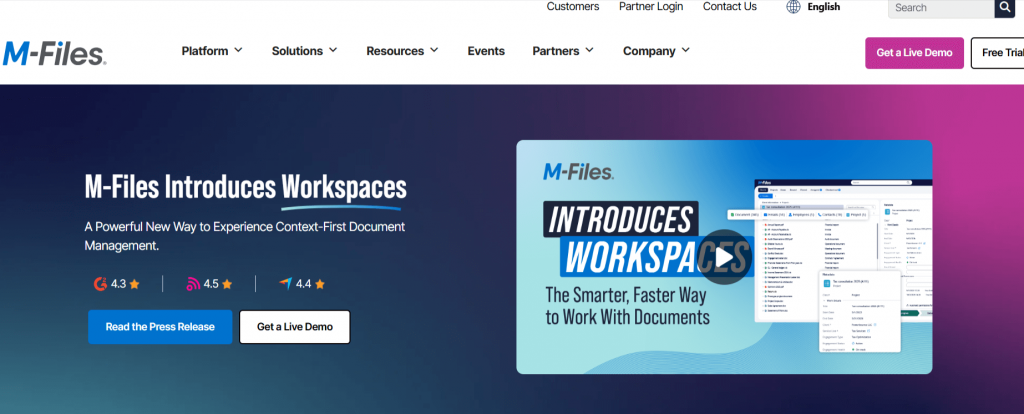
M-Files is built around a metadata-driven model, meaning documents are organised by what they are rather than where they’re stored. This structure makes it especially effective for enterprises that need consistent governance, powerful search, and automated workflows across large content repositories.
M-Files helps teams classify documents accurately, maintain compliance, and reduce manual filing. Its metadata-first approach also improves security and version control, ensuring organisations can manage complex information at scale with greater clarity and reliability. By leveraging metadata-driven navigation and AI-powered classification, M-Files enables organisations to govern content throughout its lifecycle, ensuring it is properly managed, tagged, categorized, and maintained.
Best Features
- Metadata-first organisation that makes documents easy to classify, secure, and retrieve.
- Strong enterprise search that finds files by metadata, even if you don’t know their location.
- Built-in workflows for approvals, compliance, and document reviews.
- Deep Microsoft 365 integrations (Word, Outlook, Teams) with reliable version control.
- AI-powered tagging and classification through M-Files Aino.
Limitations
- Metadata setup can be complex for teams new to structured models.
- Learning curve for users coming from traditional folder-based systems.
- Pricing is not transparent and often high for large deployments.
- Some users report limited mobile editing capabilities.
Pricing
- M-Files does not publish public pricing. Most external estimates place plans around $39–$59 per user/month, with enterprise pricing available on request.
Ratings
- G2: 4.4 / 5
- Capterra: 4.3 / 5
Managing enterprise projects? Check Enterprise project management software
4. Egnyte (Best for content governance & sensitive data discovery)
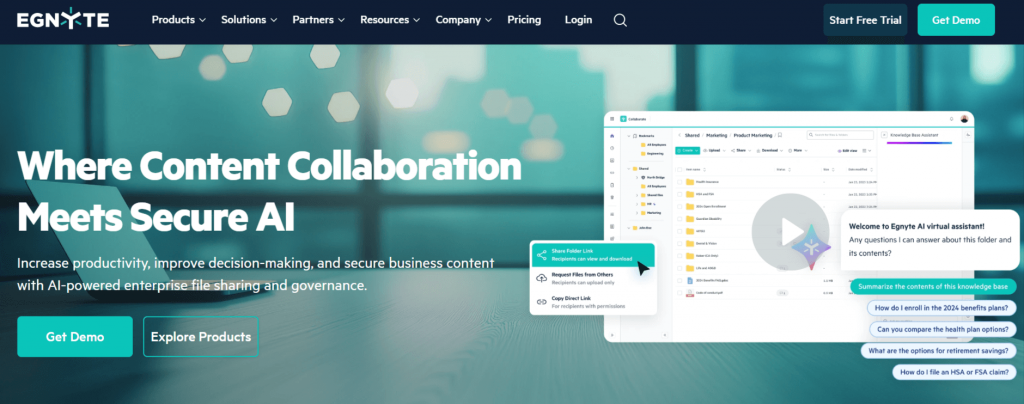
Egnyte is a governance-focused document management system built for enterprises that need strong data protection, visibility into sensitive content, and control across both cloud and on-prem environments. It is widely used by IT, compliance, legal, and security teams that manage regulated or high-risk information. Egnyte helps organizations meet regulatory requirements by providing detailed audit trails and compliance controls. Egnyte centralises file access, enforces security policies, and continuously scans repositories for sensitive data. Its hybrid architecture makes it suitable for organisations with mixed infrastructure, while its governance tools help maintain compliance, reduce risk, and support large-scale content oversight.
Best Features
- Sensitive data discovery across repositories, devices, and cloud apps.
- Built-in governance for retention, legal holds, and access controls.
- Hybrid storage support for cloud + on-prem environments.
- Granular file permissions with fast sharing and strong security tools.
Limitations
- Governance features can feel heavy for smaller teams.
- Pricing rises as storage and users scale.
- Interface feels dated compared to newer collaboration tools.
Pricing
- Business: ~$20/user/month (min. 10 users).
- Enterprise: Custom quote based on governance and storage needs.
Ratings
- G2: 4.4 / 5
- Capterra: 4.5 / 5
5. DocuWare (Best for Workflow Automation & Document Lifecycle Management)
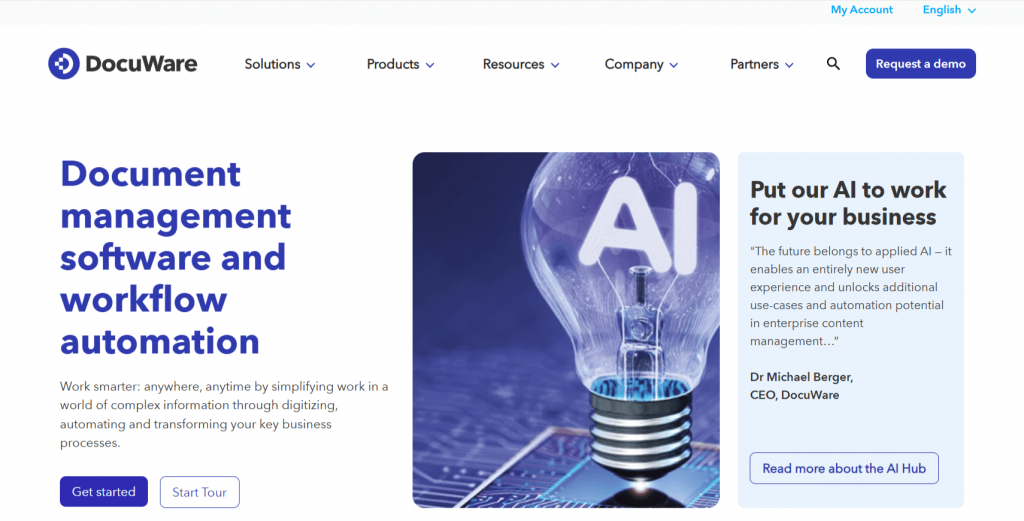
DocuWare is a long-established document management and workflow automation platform that helps organisations capture, secure, automate, and govern documents across their entire lifecycle. It is widely used in finance, HR, manufacturing, and public-sector teams that depend on structured, compliant document flows. DocuWare supports digital capture, intelligent indexing, and automated approvals, making it easier to replace paper-heavy or email-driven processes. In addition, DocuWare enables business process management by integrating content management with automated workflows, streamlining and optimising regulated industry operations. With strong security, cloud flexibility, and reliable integrations, it provides a scalable foundation for enterprises looking to modernise and standardise document operations.
Best Features
- AI-based indexing and OCR for fast, searchable digital documents.
- Automated workflows for approvals, routing, and task triggers.
- Strong security with encrypted storage and granular permissions.
- Integrations with ERP, CRM, Microsoft apps, and email systems.
Limitations
- Setup and workflow design can be complex for new teams.
- Cloud pricing scales quickly for large user bases.
- Admins may require training to use advanced automation.
Pricing
- Cloud plans generally range from £10 to £60/user/month.
- Typical market estimate: $25–$100/user/month.
- Enterprise pricing available on request.
Ratings
- G2: 4.4 / 5
- Capterra: 4.6 / 5
Switch to simpler automation
Move to Nifty
6. PandaDoc (Best for E-Signatures, Contracts & Document Workflow Automation)
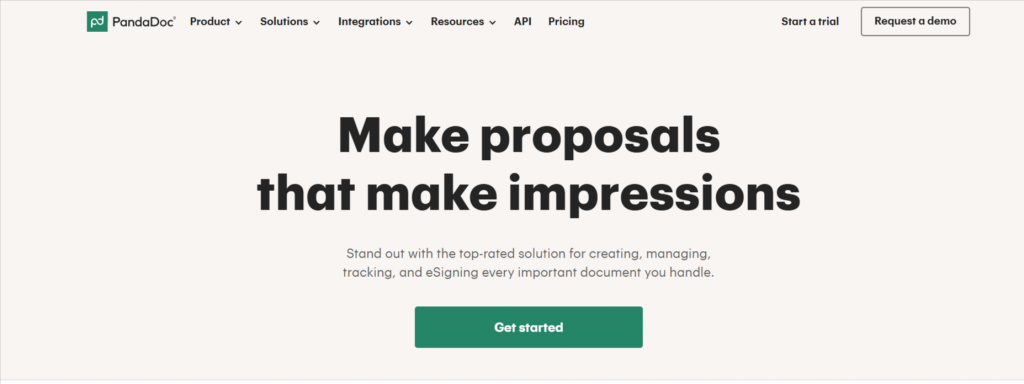
PandaDoc is built for document creation, e-signatures, and contract workflows, making it a popular choice for sales, operations, HR, and legal teams that handle high volumes of proposals, agreements, and internal documents. It also streamlines the creation, signing, and tracking of sales contracts through automated workflows, helping sales teams manage contracts efficiently. It streamlines how organisations build, send, and approve documents through templates, automated routing, and real-time activity tracking. While not a full enterprise-grade DMS, PandaDoc functions as a powerful workflow-focused hub that helps teams move faster, maintain consistency, and reduce manual steps in document-heavy processes.
Best Features
- Drag-and-drop builder for proposals, contracts, and forms.
- Legally binding e-signatures with audit trails.
- Reusable templates to standardise recurring documents.
- Approval workflows and real-time tracking for views and signatures.
Limitations
- Limited metadata and governance compared to true enterprise DMS tools.
- Complex workflows require setup time.
- Pricing scales quickly with usage.
Pricing
- Essentials: $19/user/month
- Business: $49/user/month
- Enterprise: Custom pricing
Ratings
- G2: 4.7 / 5
- Capterra: 4.5 / 5
7. Notion (Best for Internal Knowledge Bases, Wikis & Team Documentation)
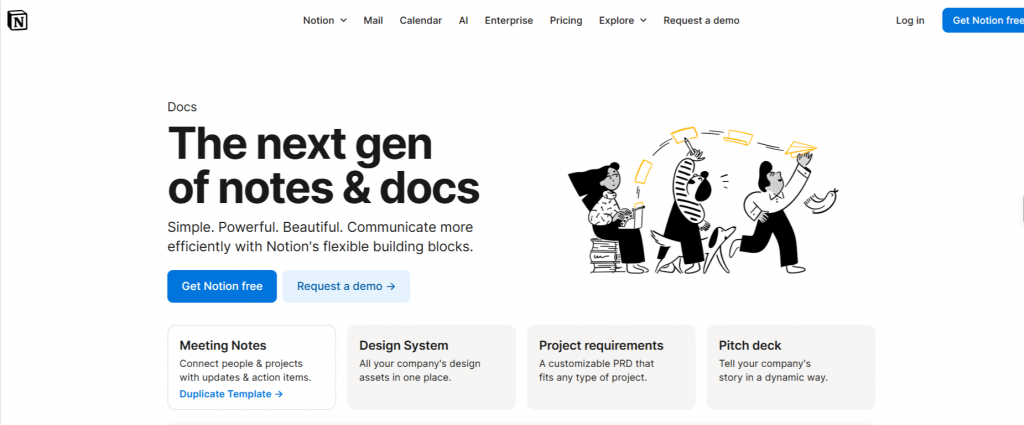
Notion is a flexible workspace that combines documents, wikis, databases, and lightweight project management into one customisable platform. While not a traditional enterprise DMS, it’s widely used for centralising internal knowledge, SOPs, policies, and team documentation due to its simplicity and adaptability.
Teams can build structured hubs, create workflows, and organise information in whatever format suits them best. Notion helps teams systematically organize documents using tags, databases, and custom structures, making it easier to categorize and retrieve information efficiently. Its collaborative editing, templates, and powerful search make it a popular choice for companies that want an easy, unified space for internal content.
Best Features
- Highly customizable pages and databases for building internal knowledge hubs.
- Easy document creation with nested pages, templates, and drag-and-drop editing.
- Strong search that finds pages, tags, and database items quickly.
- Collaborative editing with comments, mentions, and workspace permissions.
Limitations
- Not a full DMS—limited governance, metadata, and audit trails.
- Role-based access is less advanced than SharePoint or Egnyte.
- Offline experience is limited.
- Large workspaces require careful structuring to avoid slowdown.
Pricing
- Plus: $8/user/month
- Business: $15/user/month
- Enterprise: Custom pricing
Ratings
- G2: 4.7 / 5
- Capterra: 4.8 / 5
Explore the top Notion alternatives built for project-focused teams
8. Axero (Best for Intranet Portals, Company Knowledge Hubs & Employee Communication)
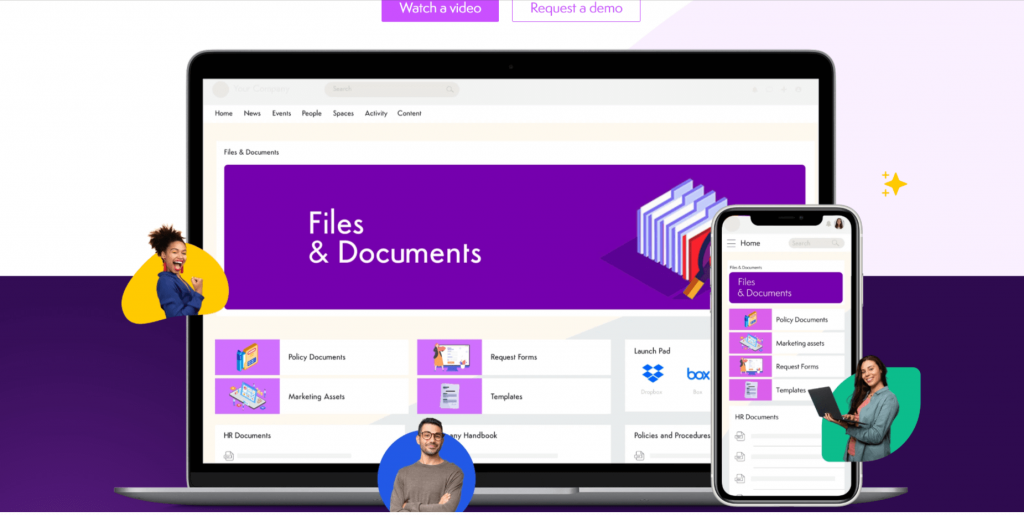
Axero is an intranet and knowledge management platform used by mid-size and large organisations to centralise documents, internal communication, and company knowledge. It also facilitates access to shared documents, enabling real-time collaboration across departments. Many teams use it as their internal hub for policies, resources, collaboration, and employee engagement.
It provides a structured space where departments can share updates, store important documents, and build searchable knowledge bases. With features for content publishing, permissions, and community interaction, Axero helps organisations maintain a unified digital workplace that keeps employees informed and connected.
Best Features
- Centralised document libraries with permission-based access.
- Easy creation of wikis, knowledge bases, and intranet pages.
- Strong search with tags, filters, and content categories.
- Publishing workflows for content reviews and approvals.
Limitations
- Not a full DMS—lighter governance and metadata controls.
- Interface may feel dated for some users.
- Advanced customisation often requires implementation support.
- Pricing rises with enterprise add-ons and storage needs.
Pricing
- Business: from $15/user/month
- Enterprise: Custom pricing
Ratings
- G2: 4.4 / 5
- Capterra: 4.7 / 5
9. Guru (Best for Real-Time, Verified Knowledge in the Flow of Work)
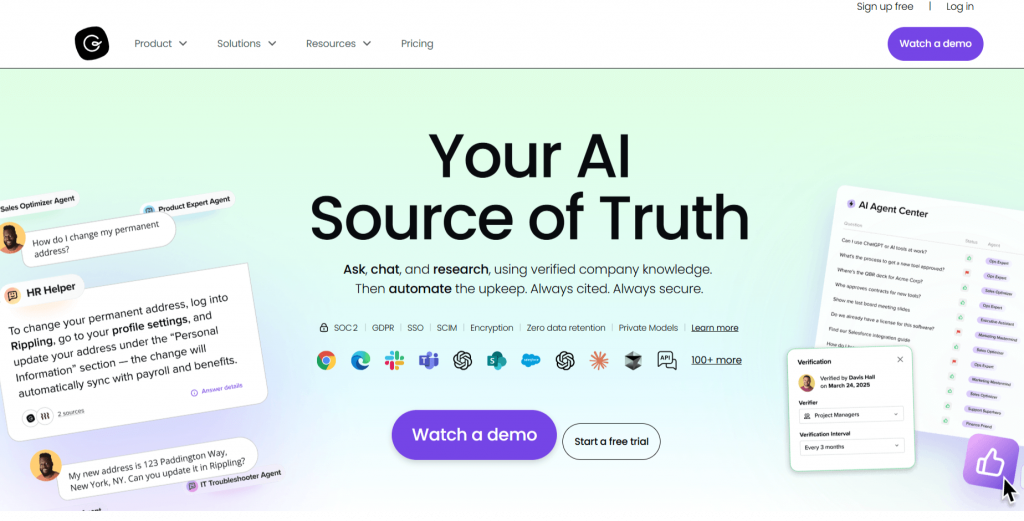
Guru is a knowledge management and internal documentation tool designed to give teams quick access to accurate, verified information. It’s widely used by support, sales, HR, and operations teams that rely on fast and reliable answers during daily work.
Guru helps reduce repeated questions, improves onboarding, and ensures consistent knowledge across teams. With features like verification workflows, browser extensions, and AI-assisted suggestions, it provides information that stays current and easily accessible right where employees work.
Limitations:
- Implementing advanced integrations or customizations in Guru may require team members with technical skills.
Best Features
- “Verified” knowledge cards to keep information accurate and up to date.
- Browser extension that surfaces answers directly inside tools like Gmail, Zendesk, Slack, and Salesforce.
- Fast search across cards, collections, and folders.
- AI-assisted suggestions and automated answer generation.
Limitations
- Not a full DMS—limited governance, metadata, and file management.
- Best for text-based knowledge, not large document storage.
- Pricing scales quickly for large teams.
- Requires consistent content verification to stay accurate.
Pricing
- Builder: $10/user/month
- Expert: $20/user/month
- Enterprise: Custom pricing
Ratings
- G2: 4.6 / 5
- Capterra: 4.7 / 5
10. Revver (Best for Secure, Automated Document Management and Compliance-Critical Workflows)
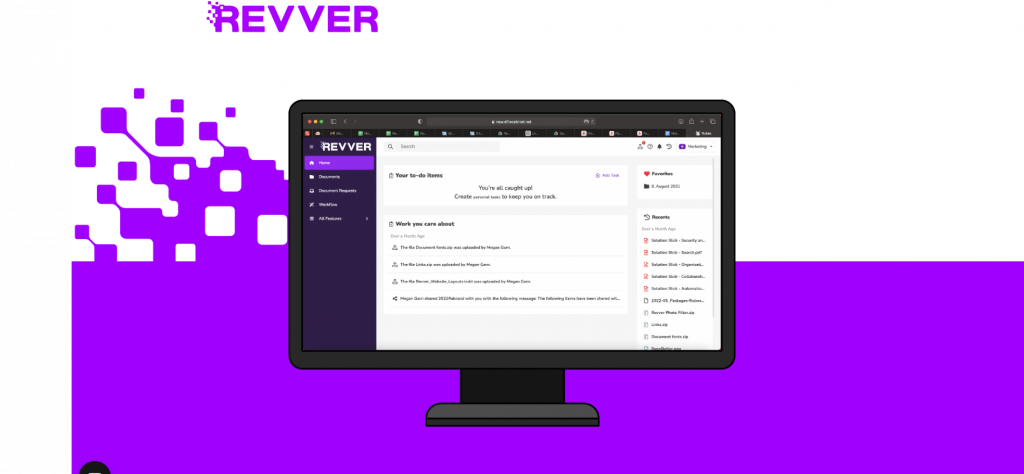
Revver (formerly eFileCabinet) is a structured document management platform built for organisations that need secure file storage, automated workflows, and strong compliance controls. Its robust document security features protect sensitive information and support regulatory compliance. It’s widely used in finance, HR, legal, and operations-heavy teams that handle large volumes of regulated documents.
Revver helps standardise how documents are organised, routed, approved, and archived, ensuring teams stay compliant with industry requirements. With automation, templates, and audit trails, it reduces manual effort and improves accuracy across document-intensive processes.
Best Features
- Automated document filing and routing based on predefined rules.
- Granular permissions and full audit trails for compliance-heavy environments.
- Document templates with autofill to streamline repetitive creation.
- Built-in eSignatures and retention controls for secure file handling.
- Integrations with Microsoft 365, Google Workspace, Salesforce, and QuickBooks.
Limitations
- UI feels dated compared to more modern platforms.
- Advanced automation may require onboarding or admin support.
- Collaboration features are limited versus SharePoint or Notion.
- Costs can rise quickly for small teams.
Pricing
- $25–$35 per user per month, depending on plan and storage.
- Enterprise pricing available on request.
Ratings
- G2: 4.4 / 5
- Capterra: 4.5 / 5
How to Choose an Enterprise Document Management Software?
Choosing the right document management software depends on what you store, how your teams work, and the level of control you need. Key factors to consider:
- Document Types: Structured or regulated files (contracts, invoices, HR docs) need strong governance – tools like M-Files, Egnyte, or Revver fit best.
- Folders vs. Metadata: Folder-based systems (SharePoint, Revver) vs. metadata-first platforms (M-Files). Choose the structure that your teams can manage for the long term.
- Compliance Requirements: For retention, audit trails, and legal holds, choose compliance-focused systems like Egnyte or SharePoint.
- Integrations: Ensure the DMS connects with tools your teams rely on – Microsoft 365, Google Workspace, Salesforce, HR or project systems. Third party integrations are essential for extending the functionality of your DMS, enabling features like advanced document storage, metadata management, and workflow automation beyond the core platform.
- Project Workflow Needs: For multi-step approvals and routing, look at Nifty, SharePoint, or DocuWare.
- Search & Performance: High-volume teams need fast indexing and strong search capabilities – M-Files and Egnyte excel here.
- Budget & Scalability: Compare pricing for users, storage, and add-ons. Pick a platform that fits your current size and future growth.
Optimise Your Enterprise Document Management Systems With Nifty
Managing documents across a large organisation is tough when files sit in different tools, teams follow different processes, and workflows break as the company grows. Transitioning from physical documents to digital management streamlines workflows and reduces risk. A strong enterprise DMS removes that friction. It gives teams one place to store documents, standardise approvals, search for information fast, and keep everything compliant.
Nifty helps organisations do this without adding complexity. You get documents, workflows, tasks, discussions, and project structure in one workspace. This means teams spend less time switching tools and more time getting work done. Features like documentation hubs, project folders, automations, and permissions make it easier to organise information and keep everyone aligned.
If your company is scaling and wants one platform to manage documents, workflows, and collaboration, Nifty gives you a clean and organised way to run everything in one place.
FAQs
1. What is an Enterprise Document Management System (DMS)?
An Enterprise DMS is a software that centralises document storage, access, permissions, workflows, and compliance. It helps large organisations manage files securely, reduce version issues, and streamline approvals.
2. Which DMS is best for large organisations in 2026?
Nifty is best for project-linked documentation and workflows. M-Files is ideal for metadata-driven control, Egnyte excels in governance and sensitive data discovery, and SharePoint suits organisations already using Microsoft 365.
3. How do I choose the right document management software?
Focus on document types, governance needs, integrations, workflow complexity, metadata vs. folders, search performance, and long-term scalability. The right choice depends on how your teams work and what level of control you require.
4. What features should an enterprise DMS include?
Core features of an enterprise DMS include version control, permissions, metadata or folder structure, audit trails, fast search, workflow automation, integrations with core tools, and compliance options like retention or legal holds.
5. Can a DMS replace legacy shared drives and email file sharing?
Yes. A modern DMS centralises storage, enforces governance, provides structured workflows, prevents version conflicts, and improves collaboration, helping organisations eliminate scattered file systems and outdated storage methods.


 2026 © Nifty Technologies, Inc. All rights reserved.